Why Your AWS Account Boundary Changes Everything for PaaS Workloads
Ask your PaaS vendor this one question: does your workload run in my account or theirs.
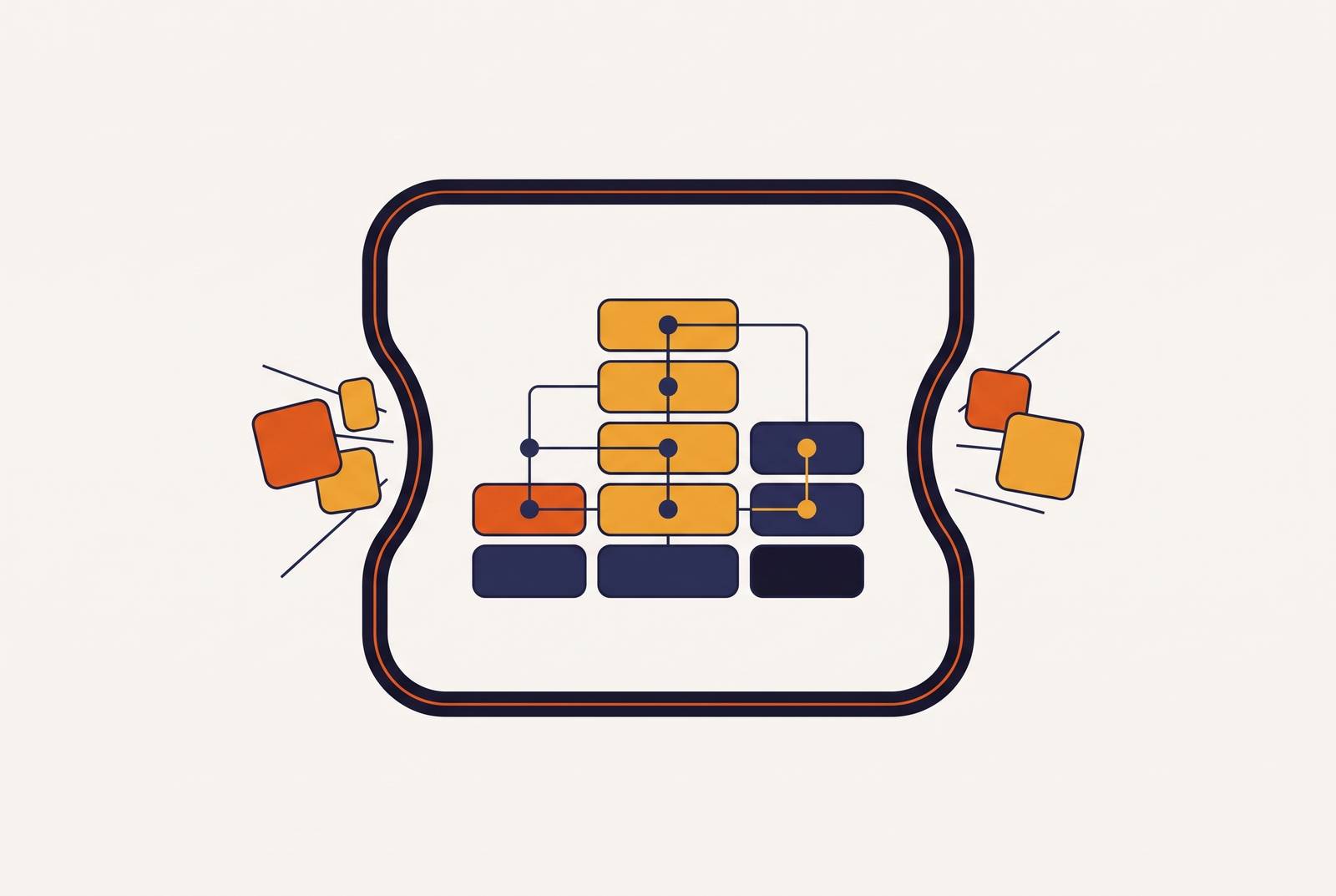
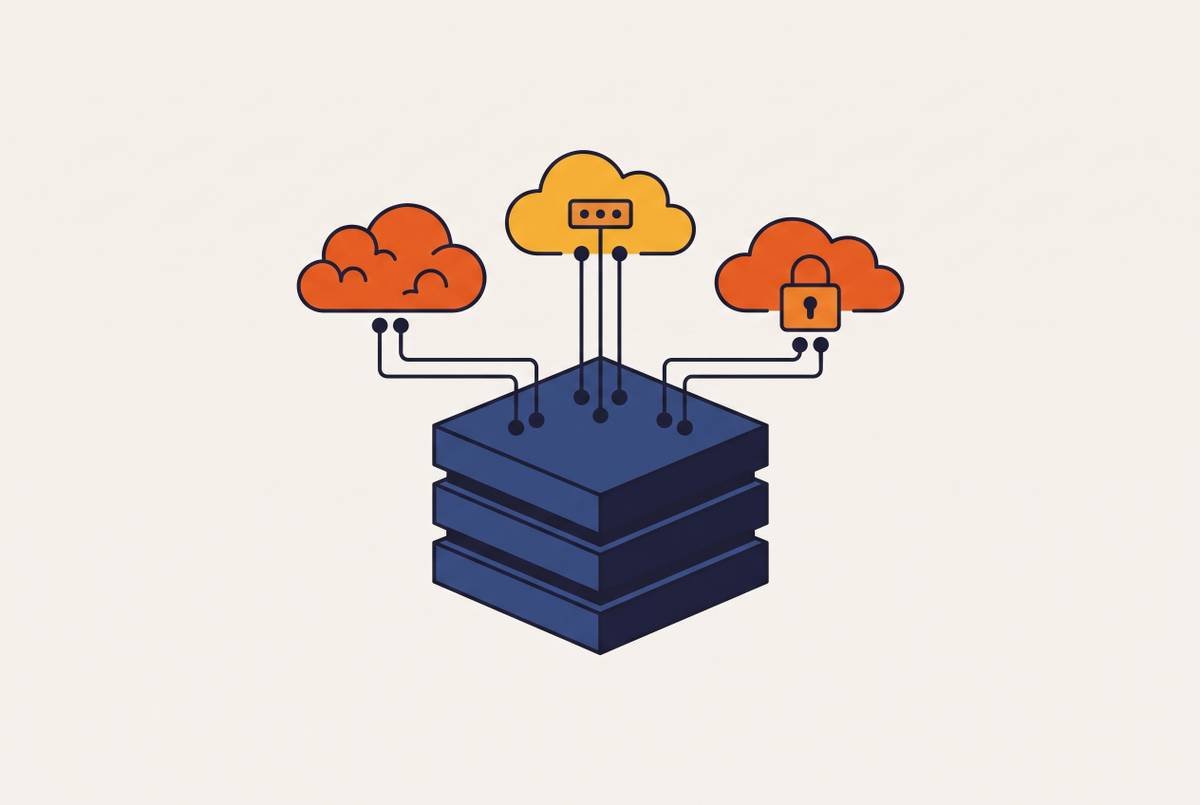
An AWS account is a hard wall, not a label. Inside that wall, cross-account access is denied unless someone explicitly grants it, and that single default is what makes the account the real unit of security, billing, and compliance on AWS. Whether a PaaS platform deploys your workload into an account you own, or pools you into its own shared estate, decides whether you actually get the isolation, audit trail, and cost control that account ownership is supposed to provide. This piece walks through the mechanism and ends with four questions to ask any PaaS vendor before you trust them with production traffic.
What an AWS account boundary is and what it enforces
Start with the mechanical fact: inside AWS, nothing in one account can touch a resource in another account unless a trust relationship explicitly allows it. No implicit access, no shared default, no quiet exception. That's the opposite of how a folder works, or a tag, or a project label inside a single shared account. A folder organizes things for a human to find later. An account boundary is enforced by AWS's own access control system, the same way whether the two accounts belong to the same company or two different companies.
AWS's own Well-Architected Security Pillar names account-level separation as a direct source of three things: a strong isolation boundary for security, for billing, and for access. One of the stated benefits of this separation is a decreased scope of impact if a workload gets accessed by mistake. It's a property of the account itself, not a side effect of good configuration elsewhere.
Flipping it around makes the stakes clearer: the same Well-Architected guidance lists "high" as the risk level you're exposed to when workload separation by account isn't established. A leaked credential, a bad IAM policy, a misconfigured role in one account simply cannot reach into another account on its own. Something has to grant that access first, deliberately. That's the whole point: the boundary is structural, not administrative, and every later argument about PaaS platforms and where they run your workload comes back to this one fact.
How AWS Organizations and Control Tower operationalize the boundary
One account enforces isolation. Many accounts, organized well, enforce isolation at scale without forcing someone to rebuild the same security controls by hand in every single one. AWS Organizations lets a company arrange accounts into a hierarchy of organizational units, and service control policies let an administrator set preventative guardrails across every account under a given branch of that hierarchy at once. AWS Config adds the detective side, watching for drift from the rules that were set.
Security controls set higher in the OU hierarchy filter down to every account below them, and a well-built hierarchy uses that inheritance to cut down on how many policies need to exist. Nobody has to write the same SCP five times for five teams.
AWS Control Tower turns this into something closer to a factory than a manual process. It sets up a landing zone as the entry point into the whole multi-account environment, and its Account Factory automates the deployment of new accounts with baselines already built in. Specific accounts get specific jobs: the management account turns on Control Tower itself, which creates an organization-wide CloudTrail trail and IAM Identity Center. A log archive account becomes the single place where audit, security, network, and application logs from across the organization land. A security tooling account runs security services for the whole organization by delegation, rather than each team standing up its own copy.
The baselines themselves (CloudTrail, AWS Config, removal of default VPC components, preventative and detective guardrails) get deployed automatically to every Control Tower-managed account and region, with a short list of exceptions like the Exceptions OU and the management account. Custom baselines handle the differences between OUs, things like network connectivity requirements or which security tools a given team needs. None of this is theoretical. It's a working system AWS built specifically because doing this by hand in every account doesn't scale. The anti-patterns AWS names in its own guidance are what happens without it: unrelated workloads of different sensitivity dumped into the same account, or an OU structure nobody actually planned.
What shared-tenant PaaS platforms structurally cannot give you
Everything above describes what you get when you own the account. A shared-tenant PaaS, by definition, runs your workload inside the vendor's own AWS estate alongside other customers' workloads. You're a tenant inside their account boundary. None of the isolation properties described in the first two sections belong to you, because none of those properties were ever yours to configure.
Walk through the IAM side specifically. The customer in a shared-tenant setup cannot attach an SCP, because SCPs apply at the organization or OU level, and the customer doesn't own the organization. The customer cannot own the CloudTrail trail, because the trail lives in the vendor's account. The customer cannot delegate security tooling administration the way Control Tower's security account does, because there's no security account that belongs to them. And when an auditor asks to see the account where the data lives, the customer cannot point to one they control, only to the vendor's.
This matters most on blast radius. In a shared-tenant estate, the boundary around a security event is the vendor's internal controls, not an AWS account boundary the customer owns. If something goes wrong in the vendor's estate, it's a security event inside the customer's own operational environment too, whether or not the customer had any part in causing it or any visibility into fixing it.
AWS's own multi-account whitepaper names two more benefits that only exist at the account level: limiting the scope of impact from adverse events, and distributing AWS Service Quotas and API request rate limits across accounts so one workload's spike doesn't starve another's capacity. Neither is available to a customer whose workload runs inside someone else's account. This isn't a criticism of the shared-tenant model as a business. Pooling customers into one managed estate is a legitimate way to run a platform, and it can mean faster setup and less infrastructure for the vendor to juggle. But the tradeoff is structural: the properties an AWS account boundary is built to provide simply don't transfer across a tenancy line. A platform like Porter, by contrast, deploys workloads directly into each customer's own AWS account. The isolation, IAM boundary, and blast-radius properties described above belong to the customer running the workload, not to the platform sitting on top of it.
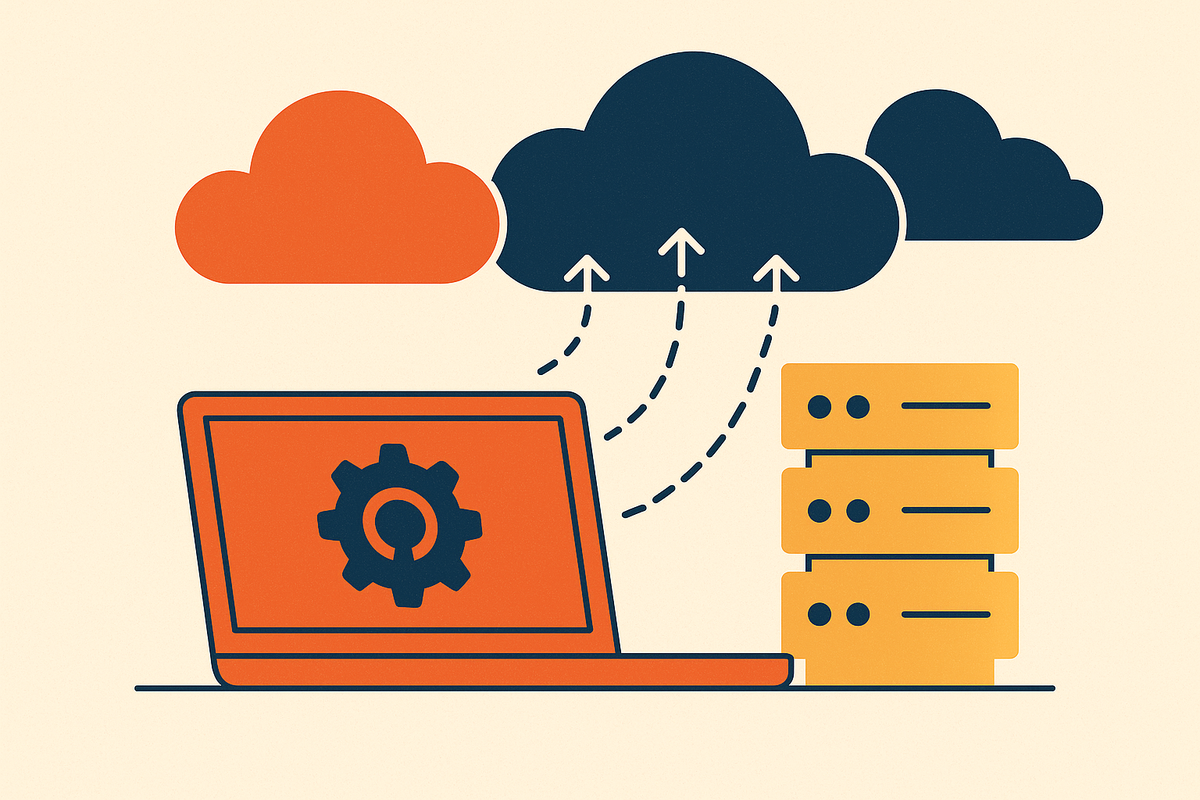
PaaS that deploys into your own AWS, GCP, or Azure account and the compliance audit
Regulated workloads make this gap concrete fast. Processing payment data, health records, or anything that falls under SOC 2 scope requires demonstrating control of the environment where that data actually lives and moves. The AWS account is what an auditor points to when they ask for that proof, and owning the account is what makes the proof possible to produce.
Centralized auditing is one of the named benefits of account-level separation in AWS's own guidance, but it only works when the customer owns the account where that auditing gets configured. The log archive account in a Control Tower setup is the single aggregation point for every log across an organization, audit, security, network, application. That centralization only exists for the organization that owns it.
CloudTrail logs management-event API calls inside an account by default, and data events need to be turned on explicitly. IAM Identity Center manages access to that account centrally. Both generate audit evidence that lives inside the account and belongs to whoever owns it, not to a customer whose workload happens to run inside someone else's account. AWS's recommended account structure, separating production from development from test, and separating workloads by data sensitivity, is the exact mechanism that lets a company scope a PCI or HIPAA audit to a single account instead of an entire sprawling estate. The security OU Control Tower creates is kept deliberately free of business applications, with a dedicated security tooling account managing services by delegation. That discipline only exists if the customer owns the account hierarchy to begin with.
A company processing PHI or payment data inside a shared PaaS account cannot sign its own BAA against an AWS account it controls. It cannot produce its own CloudTrail evidence. It cannot demonstrate least-privilege IAM to an auditor, because the IAM principals in question were never its own. Because Porter runs workloads inside the customer's own AWS account, the Control Tower baselines, service control policies, and organization-wide guardrails a customer has already set up apply directly to anything Porter deploys there, without a separate vendor-specific workaround layered on top.
How account ownership changes cost visibility and optimization
Cost is the third leg of this, right alongside security and compliance, and it gets less attention than it deserves. AWS's multi-account whitepaper lists managing costs as an explicit benefit of running multiple accounts, and using multiple accounts to isolate business applications and data helps optimize across every pillar of the Well-Architected Framework, cost included.
Service quotas and API rate limits get distributed per account too. In a shared-tenant PaaS, the customer shares the vendor's quotas with every other tenant on the platform, with no visibility into how those limits get split up and no say in the matter. Reserved instances, savings plans, and spot instance strategies work the same way: run in your own account, and the savings from all three go straight to you. Running inside a vendor's shared estate means the vendor captures whatever economies come from buying reserved capacity at scale, while the customer pays whatever rate the vendor decides to charge.
Attribution breaks down most visibly. Knowing what a given workload, team, or environment actually costs requires accounts, or at minimum tags, that the customer controls directly. Shared-tenant PaaS billing is usually set at the level of the PaaS product itself, not the underlying AWS resource, so a customer can see what the platform charged them without ever seeing what the infrastructure underneath actually cost to run.
When the operational burden objection applies
The strongest pushback against all of this is fair, and it deserves a straight answer rather than a dismissal. A five-person engineering team managing SCPs, aggregating GuardDuty findings, running account baseline factories, and standing up multi-account IAM Identity Center by hand can burn more engineering time on the setup than it gains back in security posture, and every control described in this piece is only valuable if someone on the team can actually configure and maintain it: for a small team under deadline pressure, that cost is measured in weeks, not an abstraction.
But this is exactly the problem Control Tower's Account Factory was built to remove. A baseline isn't written from scratch for each new account, it's instantiated from a template that already exists. Global baselines get deployed automatically to every account in the organization, and custom baselines apply at the OU level rather than being hand-built account by account. The architecture scales on its own specifically so a small team doesn't have to rebuild it every time headcount grows.
The real cost appears later for teams that skip this step early. A team that puts off account-boundary isolation at the seed stage, then suddenly needs it to close an enterprise deal or pass a SOC 2 audit, has to restructure its entire environment under a deadline it didn't choose. Building the automation upfront costs less than retrofitting it under pressure. The burden objection applies specifically to teams building multi-account infrastructure by hand from zero, and it stops applying the moment a platform handles account provisioning, baseline configuration, and security tooling delegation automatically, whether that platform is AWS's own tooling or a PaaS layer built to deploy into accounts that already have these baselines in place.
A practical framework for evaluating a PaaS vendor's account model
Everything above collapses into four questions. Ask them of any PaaS vendor, including the ones not named in this piece, before committing a production workload to their platform.
Where do your resources actually live? An AWS account you own or control is the only acceptable answer. "In our infrastructure" or "in a managed cluster" is a way of avoiding the question, and if the VPC, the compute, and the storage all sit inside the vendor's account, none of the boundary properties covered in this piece belong to you.
Who owns the IAM principal and the trust relationship between your environment and the vendor's? If the vendor's IAM role has administrative access to your workload and you can't revoke that access on your own, unilaterally, the account boundary belongs to the vendor, not to you.
Who controls the audit trail? CloudTrail logs, Config rules, and Security Hub findings need to land in an account you own, one you can hand to an auditor directly, without the vendor acting as a go-between.
Who captures the savings from reserved capacity and savings plans? If the vendor does, the customer is paying on-demand rates or absorbing a PaaS markup while the vendor quietly arbitrages the difference.
A platform that pools customers into its own shared cloud estate can't place a workload inside the customer's account boundary, so the isolation, compliance, and cost properties covered here stay with the vendor rather than passing to the customer. A platform built to deploy into the customer's own AWS, GCP, or Azure account keeps those boundaries where they started: with the team that owns the account, and the auditor they can walk through it directly.
Sources
- Guidance for Workload Isolation on AWS - Amazon.com
- SEC01-BP01 Separate workloads using accounts - Security Pillar
- AWS Whitepaper Organizing Your AWS Environment Using Multiple Accounts
- AWS multi-account strategy for your AWS Control Tower landing zone - AWS Control Tower
- Porter | Platform as a Service, Reimagined.