Which Cloud Platforms Offer Managed Migration Into Your Own GCP or Azure Tenant
Control Plane, Xata, and Zilliz offer managed deployments in your own cloud account.
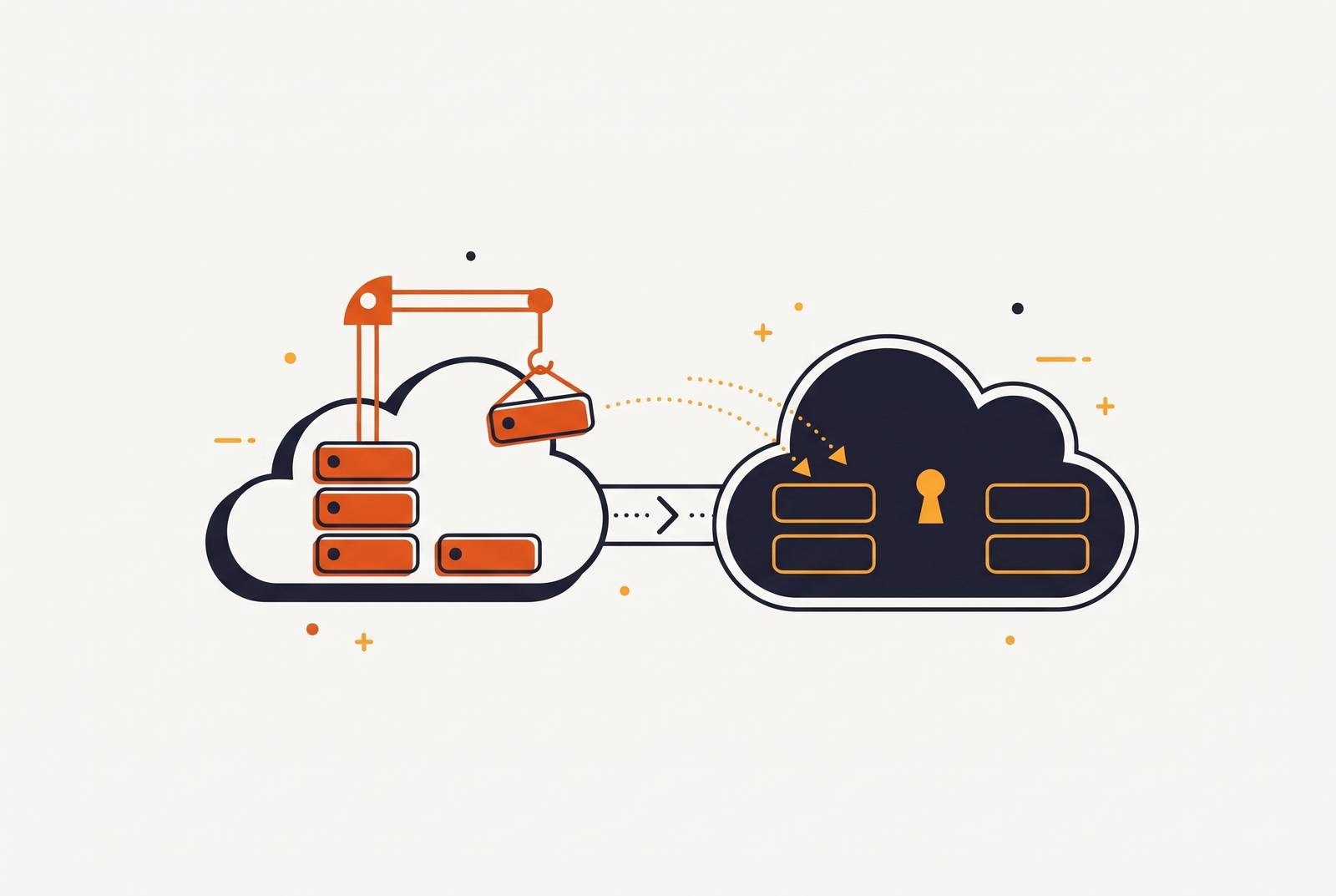
Managed migration into your own GCP or Azure account is not one service. Control Plane supports parallel-run application migration across GCP, Azure, and AWS, while Xata, Zilliz Cloud, and Grafana BYOC manage specific infrastructure layers. The right choice depends on what the platform takes responsibility for, from moving workloads to keeping them running afterward.
Why engineering teams are moving workloads into their own GCP or Azure accounts
Shared infrastructure can turn a hosting decision into an audit problem. When production data sits inside a vendor’s shared platform, the compliance review must cover both the team’s workloads and the vendor’s platform boundary. That becomes harder as SOC 2, HIPAA, or GDPR requirements grow more demanding. Ownership changes the boundary of that review. With Bring Your Own Cloud, or BYOC, workloads run inside the customer’s own GCP or Azure account, while a platform handles deployment and operations.
Cost adds a separate reason to make the move. Shared PaaS pricing includes vendor margin on compute, while reserved instances, committed-use discounts, and cloud startup credits depend on owning the cloud account. Those options become more consequential as spending grows, but access to them does not make migration simple. Identity is a particular stumbling block. GCP service accounts do not map cleanly to Azure managed identities, so teams usually need to redesign access patterns. BYOC addresses where infrastructure lives, but the quality of the managed service determines how much of that redesign the team must handle.
What "managed migration into your own tenant" actually means — and what it does not
Connecting cloud credentials is not managed migration. A platform can accept access to an account and still leave the customer responsible for building the network, preparing a cluster, and moving applications. A genuinely managed offering provisions and maintains infrastructure directly in the customer’s account. The customer does not have to pre-build a Kubernetes cluster or VPC before the service can connect. That distinction separates an operational service from a tool that works on infrastructure the team already operates.
The migration path is a second, separate test. The platform either handles containerizing and redeploying existing workloads or supports running old and new environments in parallel so traffic can shift gradually. Upgrades, patching, and autoscaling must remain the platform’s responsibility if the service is to provide managed operations.
Microsoft’s Azure Migration Hub distinguishes rehost, replatform, and refactor as different migration strategies. Rehosting moves a workload without code changes, while replatforming makes limited changes to use managed services. Refactoring restructures code to reduce technical debt or improve cloud operation without changing its external behavior. BYOC platforms mainly sit in the replatform category. Their value is therefore not that every application moves untouched, but that a limited change can deliver a managed deployment model without a broader rewrite.
How the underlying cloud-to-cloud migration mechanics work on GCP and Azure
Native cloud migration tools are capable, but hands-on. Neither GCP nor Azure automatically handles the whole move. Both provide tools that a team must configure, sequence, and validate, with decisions about the destination still falling to that team. This is the work a managed platform may absorb. How much it absorbs depends on whether it moves existing machines, redeploys applications, or manages only one part of the stack.
Google’s Migrate to Virtual Machines connects to Azure through an app registration and service principal. It continuously copies VM disk data into GCP while the source VM keeps running, and it supports test clones before the final cutover. The team still configures the target project, zone, machine type, VPC, and subnet. Replication does not remove the cutover window. The final move still needs a short period of downtime, though copying data ahead of time leaves less work for that window.
Azure Migrate covers discovery, assessment, and server replication into Azure, with GCP supported as a source. The team must still map the services, build a landing zone, and move the workloads in waves. Resource organization also changes beneath those workloads. GCP uses projects as its primary organizational boundary, while Azure uses subscriptions and resource groups. Billing, access control, and governance therefore need redesign.
Databases require separate tooling and their own sequence of work. Schema conversion errors, replication lag, and data validation are common points where things go wrong with any tool, so there is still work to do after moving application servers. Licensing creates another budget risk. Azure Hybrid Benefit stays on Azure and cannot move to GCP. Windows Server and SQL Server licensing must therefore be replanned before a cost comparison is meaningful.
Which platforms manage migration and operations inside your own GCP or Azure account?
Control Plane is suited to application migrations where a hard cutover window is unacceptable. Its Global Virtual Cloud, or GVC, can cover both the old environment and the destination cloud, with the same workload running in both as routing changes shift traffic. An active-active deployment runs in every location within the GVC, with a global endpoint directing requests to the nearest healthy location. This is more than a temporary migration arrangement. It also fits teams that need one control plane across multiple clouds or regions after the move.
That capability is relevant when the move requires new access patterns. Its strongest distinction is the combination of parallel running and cross-cloud access. That does not make separate database sequencing or licensing decisions disappear.
LocalOps is positioned for product teams leaving a shared PaaS without rebuilding their deployment workflow. Each customer gets an isolated account connection, and LocalOps does not share credentials or infrastructure across customer accounts. Account separation is the specific commitment described here. It is not the same claim as handling every migration step or taking responsibility for every operational task. Against the managed-BYOC standard, its migration method and division of ongoing work need to be explicit before it can be compared with more fully described offerings.
AZIN targets GCP-first teams that want Kubernetes-backed deployments without operating the cluster themselves. As of February 2026, it deploys web services, workers, cron jobs, and managed PostgreSQL through Cloud SQL into the customer’s GCP account using GKE Autopilot, with zero cluster management overhead. AWS and Azure are on its roadmap.
Xata’s BYOC offering launches actual Postgres instances inside the customer’s GCP, Azure, AWS, or Hetzner account, providing data ownership without moving to a new database provider. The database data plane runs in that account, while the control plane remains with Xata. That boundary is important for compliance evaluation. Xata fits teams whose central requirement is database residency and control, but it does not replace a platform for deploying web services or workers.
Zilliz Cloud is for AI and ML teams that need managed vector search. It deploys vector database infrastructure inside the customer’s GCP, Azure, or AWS account, and Azure BYOC reached general availability in February 2026. Zilliz offers a high-availability SLA, SOC 2 Type II and ISO 27001 certifications, GDPR compliance, and HIPAA readiness. The fit is managed vector infrastructure that must stay within the customer’s account for compliance or data residency reasons.
Grafana BYOC covers observability inside the customer’s AWS or GCP account, with Azure available case-by-case. Grafana Labs handles deployment, scaling, upgrades, and support, while the customer can use existing cloud provider discounts. The operational responsibility is clear for that layer. Like the database offerings, however, it complements an application platform.
How to match the right platform to your migration situation
Inventorying every layer that needs management comes before comparing prices. A web service, its database, and its monitoring may all sit within one account boundary, yet the team may buy each one separately. Scope comes before the vendor shortlist. Treating them as interchangeable BYOC options would hide the work still left with the engineering team.
Teams that cannot accept a hard cutover should prioritize parallel-run migration with gradual traffic shifts, since native GCP and Azure migration tooling still requires a planned cutover despite continuous replication. A move from shared PaaS has a simpler path. For that situation, the recommended approach is to containerize first, then redeploy through a BYOC platform using the same git-push workflow. Docker gives these platforms a portable format, but teams must check for both portability and vendor-managed migration.
GCP-only deployments have the most choices at present, and GKE Autopilot’s per-pod billing can suit variable or lightly used Kubernetes workloads because it eliminates charges for idle node capacity and system overhead. That is not a universal cost advantage. Standard GKE with dense bin-packing or Spot VMs is often cheaper for highly utilized workloads. Before putting a platform on the shortlist for Azure, teams should check whether its support is generally available, case-by-case, or still on a roadmap.
Compliance adds a more exact test than the BYOC label. Teams in healthcare, fintech, or organizations with strict GDPR or residency requirements should look for a SOC 2 boundary that explicitly covers the build and ship pipeline. They should also look for a deployment model that puts the VPC, encryption keys, and data in their account from day one. Owning the account is only part of the test. The vendor’s control plane and operational responsibilities still need to fit the requirement the team is trying to satisfy.
Managed BYOC provides managed operations for a platform fee above raw cloud compute. The useful comparison is with the engineering time the platform actually displaces. Google for Startups and Microsoft for Startups credits can offset compute in the customer’s account, an option unavailable on shared-tenant PaaS.
The strongest objection to BYOC — and when it is actually correct
The strongest objection is that ownership does not automatically improve compliance or lower cost. A team can move too early and gain more operational complexity than it removes, especially if the chosen platform leaves key responsibilities unresolved. The objection is legitimate. It follows directly from the distinction between running infrastructure in an account and paying someone to manage it. Those are separate commitments.
On compliance, BYOC inside a customer’s VPC can meet the same residency and control requirements as on-premises infrastructure, sometimes faster. A well-structured managed SaaS service with a mature SOC 2 boundary can also meet those requirements without any migration. Teams need to identify the actual compliance gap. If the existing service already satisfies it, account ownership alone does not establish a reason to move. If demonstrable data residency control is required, the case changes.
The cost objection is strongest for a small team spending little on compute. Its total bill on a shared platform may be less than the cost of cloud compute plus a BYOC platform fee, even when the rate for compute bought directly looks good. Scale can change that balance substantially. BYOC makes sense when the margin built into PaaS costs becomes a large expense, compliance calls for direct residency control, or the team must own the account to use the startup credits it needs. The decision rests on those conditions and the work the platform takes over.